Who is currently capable?
See who is trained, assessed, due soon, restricted or ready to lead an activity.
Verigo gives facilities one clear place to manage equipment lifecycles, staff capability, assessments, QR records and audit evidence—without relying on scattered spreadsheets, folders and memory.
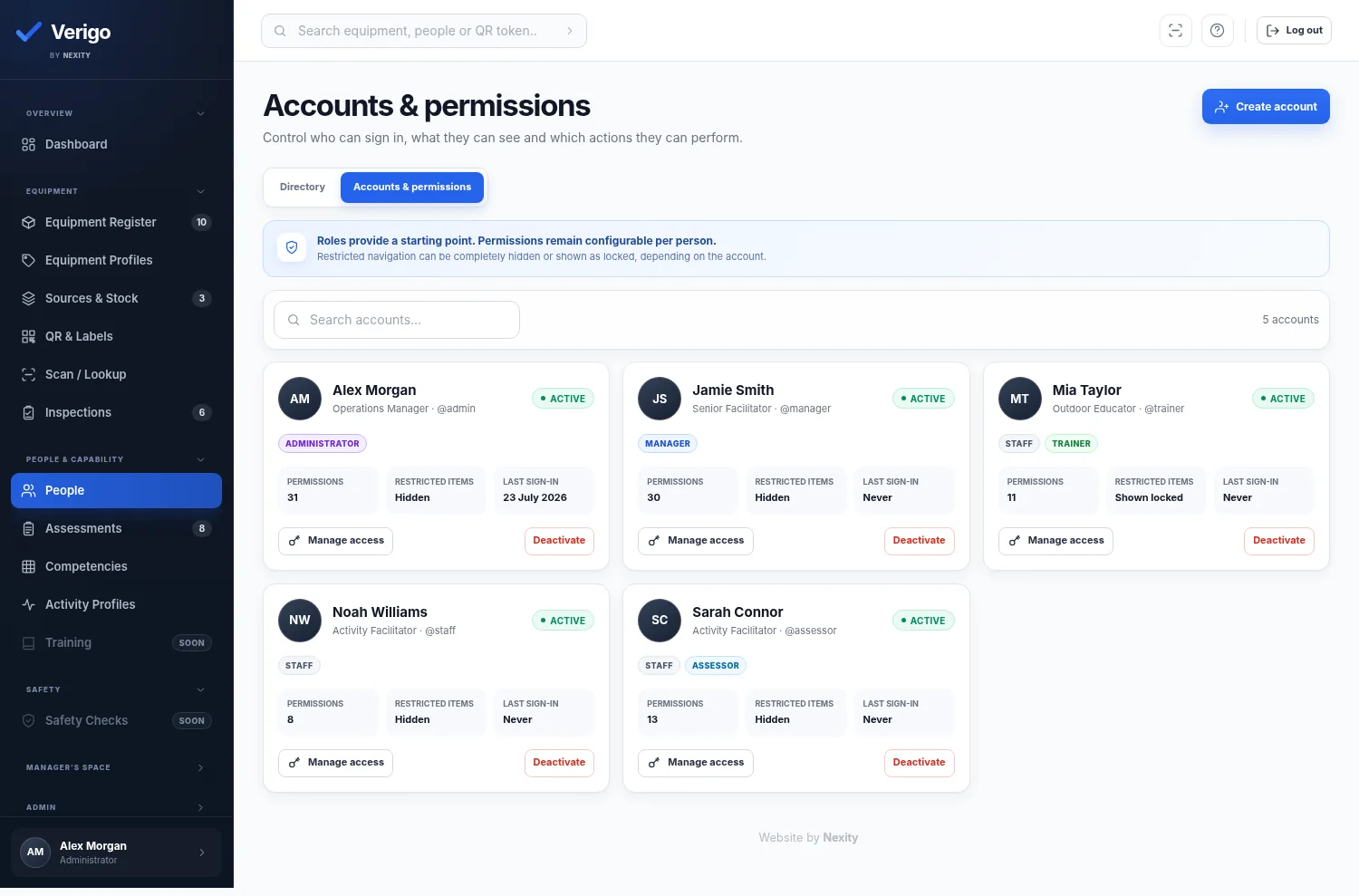
Facilities become difficult to manage when equipment, staff capability, assessment evidence and safety decisions all live in different places.
See who is trained, assessed, due soon, restricted or ready to lead an activity.
Track inspection dates, source material, quarantine, retirement and supporting documents.
Bring records, attachments, history and related actions together when someone asks.
Verigo connects the people doing the work, the equipment they rely on and the records managers need to retrieve later.
Create individual items, identical batches, mixed batches and source material. Track lifecycle dates, inspections, quarantine, retirement, evidence and parent-child relationships.
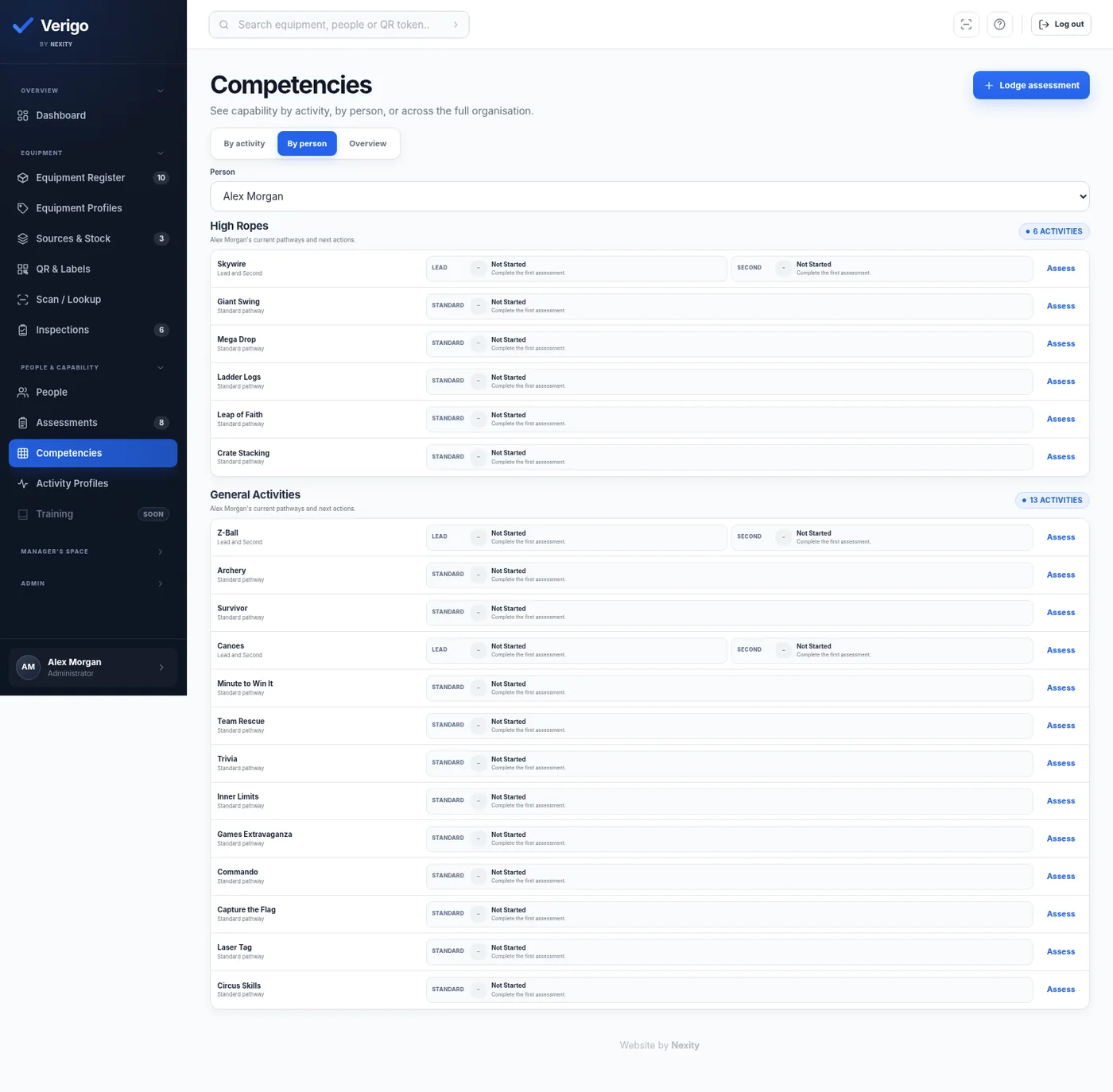
Keep Lead, Second and standard pathways separate while presenting them in a way supervisors can understand quickly.
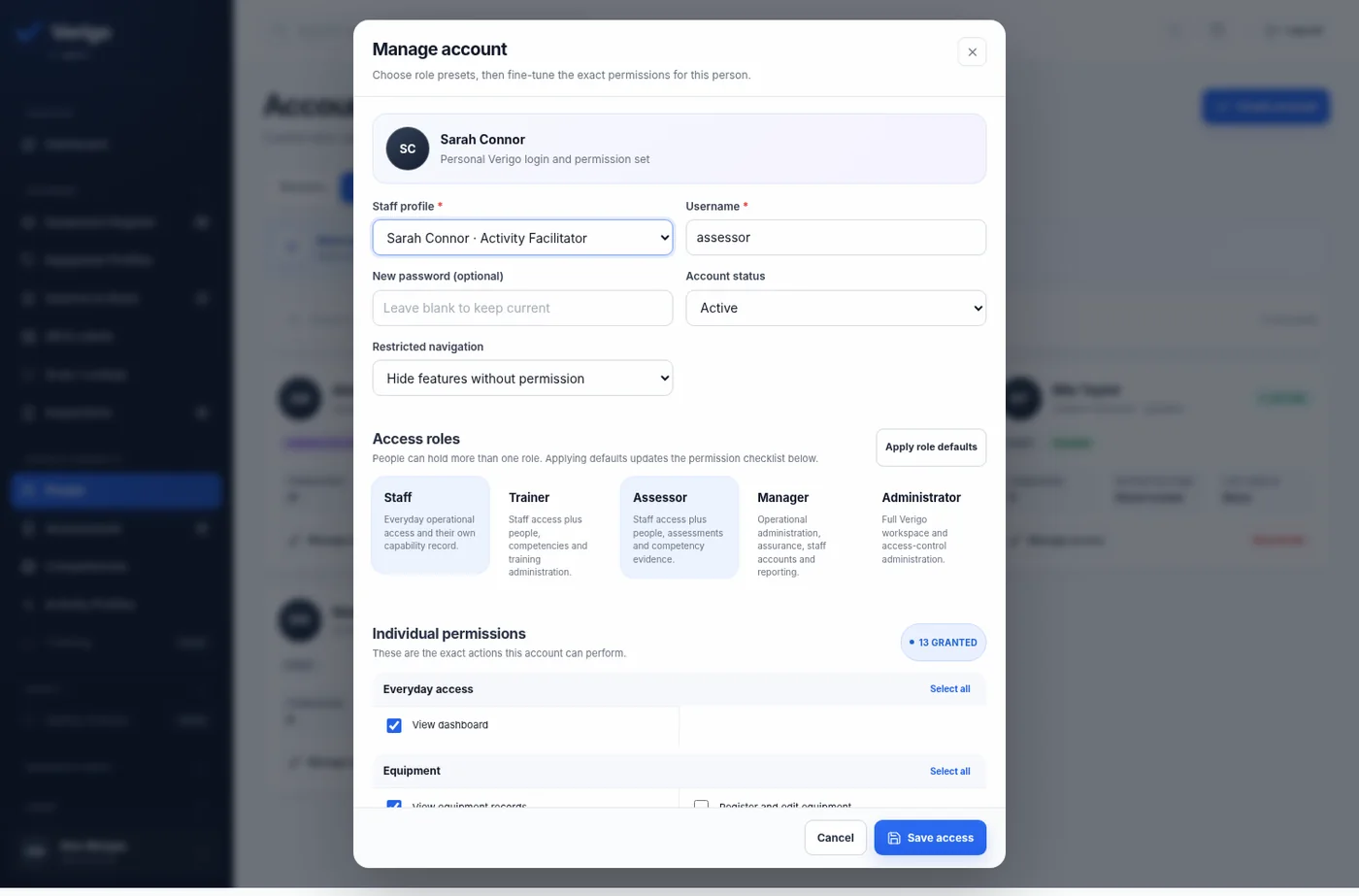
Staff, trainers, assessors, managers and administrators can have different accounts, navigation and actions—without forcing every user into the same complicated interface.
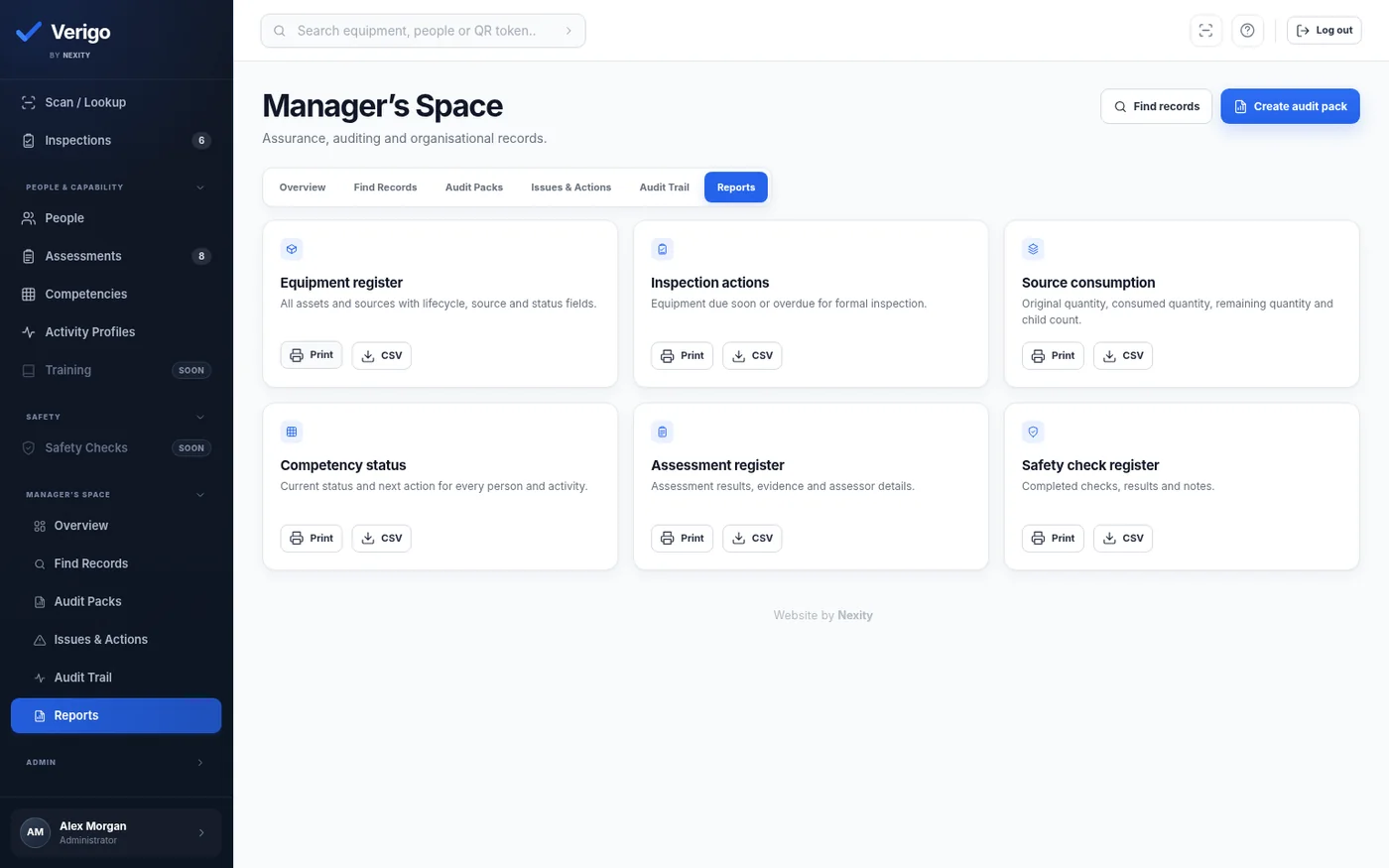
Manager’s Space provides an assurance-focused view across equipment, people, assessments, actions and record history.
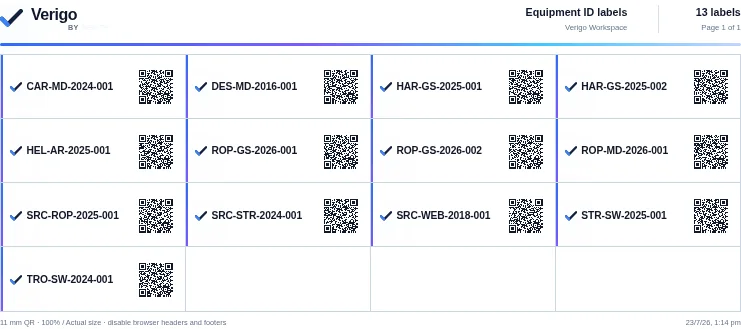
Permanent activity QR codes open the correct LandSCAPER or SAFER. Multiple staff can own and confirm separate sections, while issues are linked automatically to the check, activity and affected equipment.
Verigo identifies the facility, activity and correct pre-activity check.
Staff join one active check, claim sections and confirm their own work.
Scan registered equipment, add a photo and remove unsafe items from use.
Management receives the issue, corrective action and complete audit history.
Users see the parts of Verigo that help them do their job. Managers retain the wider view without overwhelming everyone else.
Talk through your access structure →View assigned information, scan equipment and understand their own capability.
Work with people, training pathways and capability information.
Lodge outcomes, attach evidence and maintain assessment histories.
Oversee records, permissions, issues, reporting and audit preparation.
Verigo is suited to facilities that train staff onsite, assess operational capability and manage equipment with ongoing inspection or lifecycle requirements.
High ropes, zip lines, climbing systems, paddling, group activities and facilitator pathways.
In-house trainers, assessors, practical competencies, recurring evidence and role-specific access.
Large teams, seasonal readiness, activity coverage and equipment spread across multiple locations.
Any operation where safe delivery depends on current people, maintained equipment and retrievable records.
Verigo does not need your facility to reinvent its operation. The aim is to structure the records and workflows already being used.
Identify activities, equipment profiles, staff roles, assessment pathways and existing records.
Set lifecycle rules, permissions, competency requirements and organisation terminology.
Import or register equipment, people, assessments and supporting documents in a controlled rollout.
Staff scan, inspect, assess and retrieve records while managers monitor the full picture.

Equipment. People. Capability. Evidence.
Standard configuration adapts Verigo’s existing equipment, training, assessment, safety and reporting workflows around your facility. Major workflow changes and integrations remain custom implementation work.
Includes one facility and up to 10 active staff accounts.
Verigo is privately onboarding selected facilities that manage onsite training, activity readiness and equipment lifecycles. Tell us about your operation and we will assess whether the current Private Access program is a fit.
No. The system is being shaped for facilities that combine onsite staff capability, activities, practical assessment and managed equipment. The terminology and profiles can be configured around the operation.
Yes. Verigo supports staff, trainer, assessor, manager and administrator roles, with individual permissions and the choice to hide restricted features or show them as locked.
That is one of its main goals. The rollout would first map what those spreadsheets currently contain, then structure the information inside Verigo without losing the operational meaning behind it.
In a hosted Verigo deployment, the equipment QR opens its permanent record route. Access can then be controlled based on the person scanning it and their permissions.
No. Verigo helps a facility organise, retrieve and review its own operational records. It does not replace professional advice, manufacturer requirements, legislation or the organisation’s responsibility for its systems.